1
Choose the task
Browse the labs available for your course and review the exercise before starting.
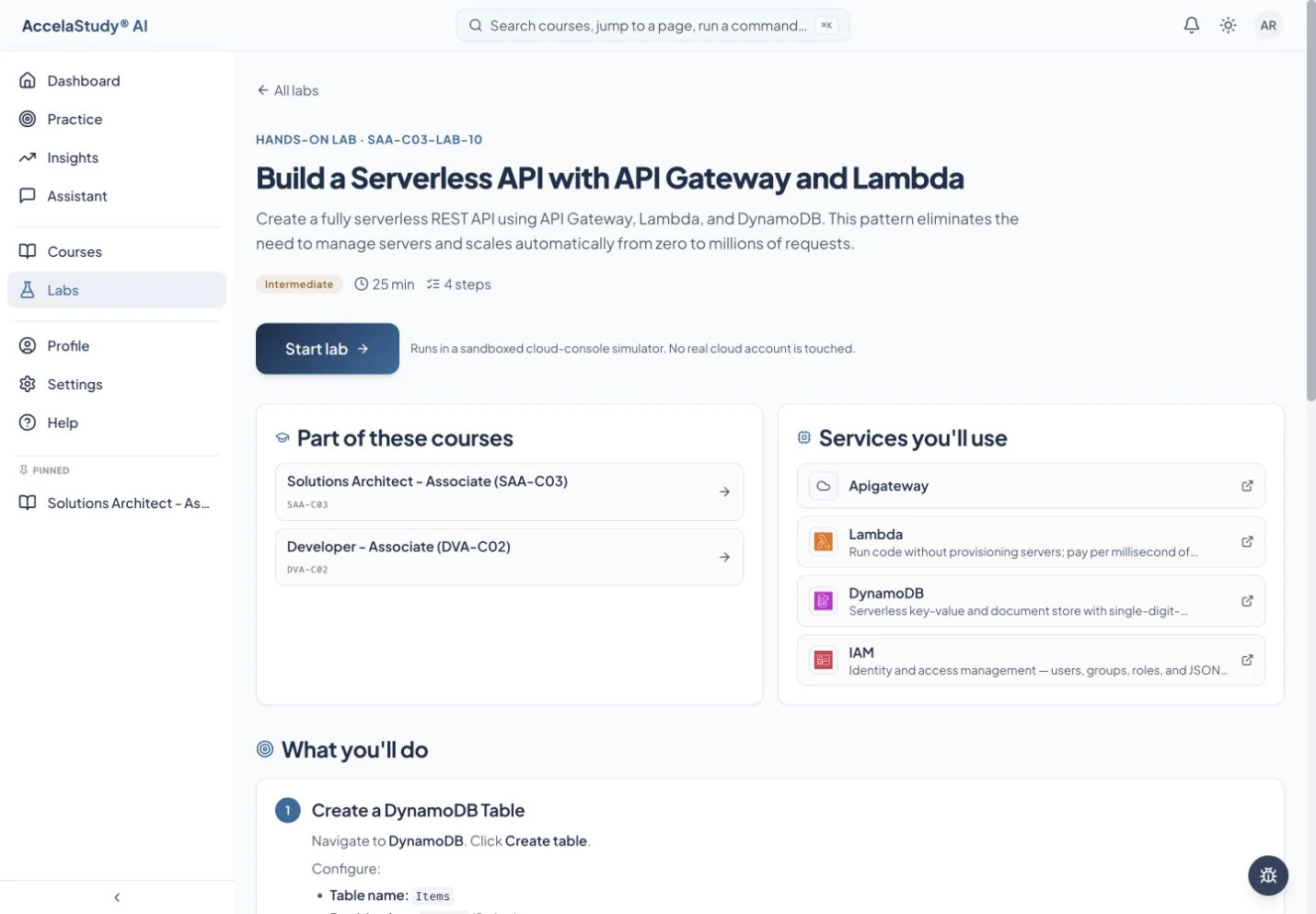
Practice supported technical tasks in a simulated environment, then check the configuration you created.
See how it works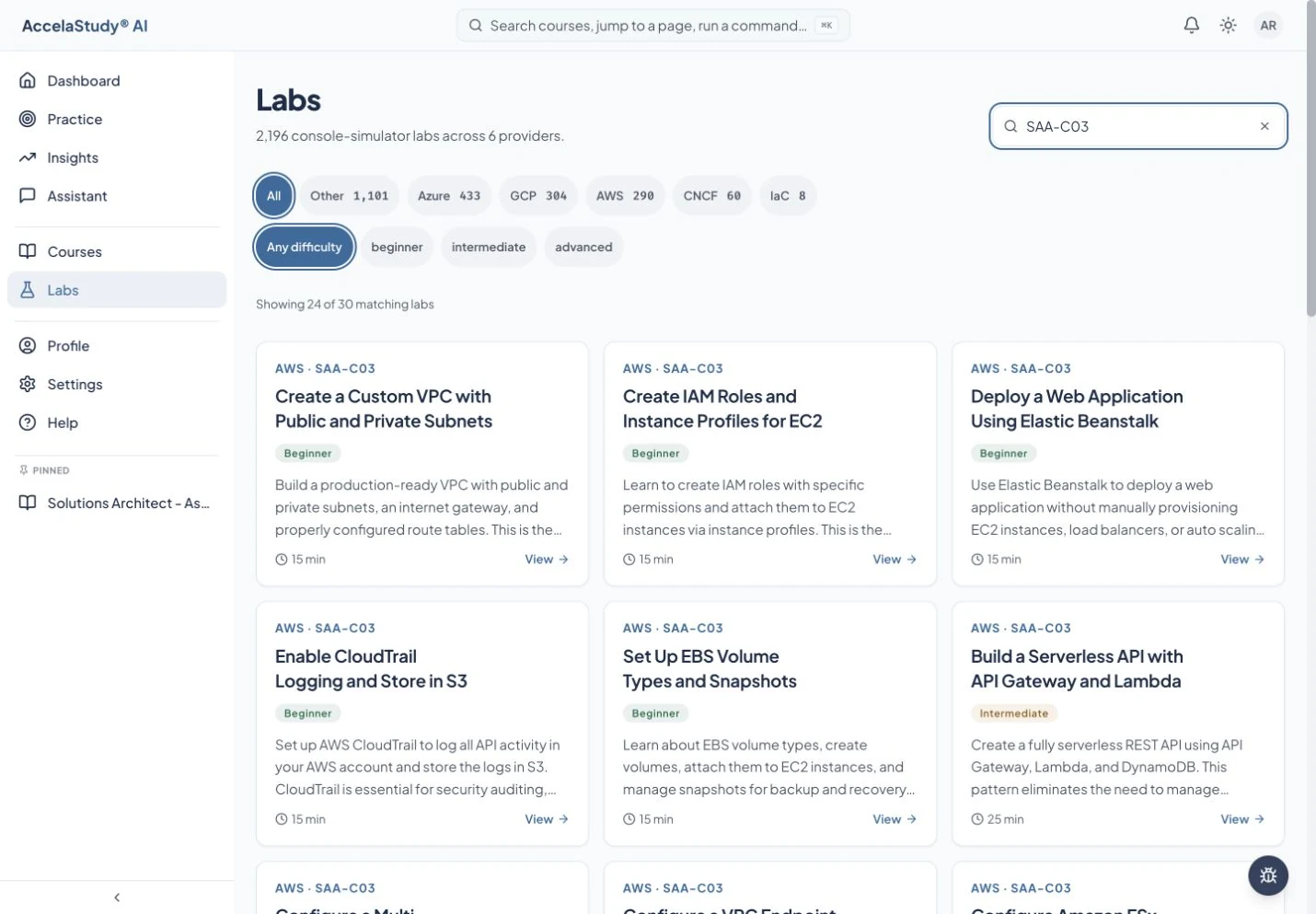
Current app screens with illustrative demo data.
Reading about a configuration is different from building it. Labs let you work through supported tasks with instructions, hints, and checks in a simulated environment.
Browse the labs available for your course and review the exercise before starting.
Use the supported console or work area to perform the task. Instructions stay alongside the configuration you are building.
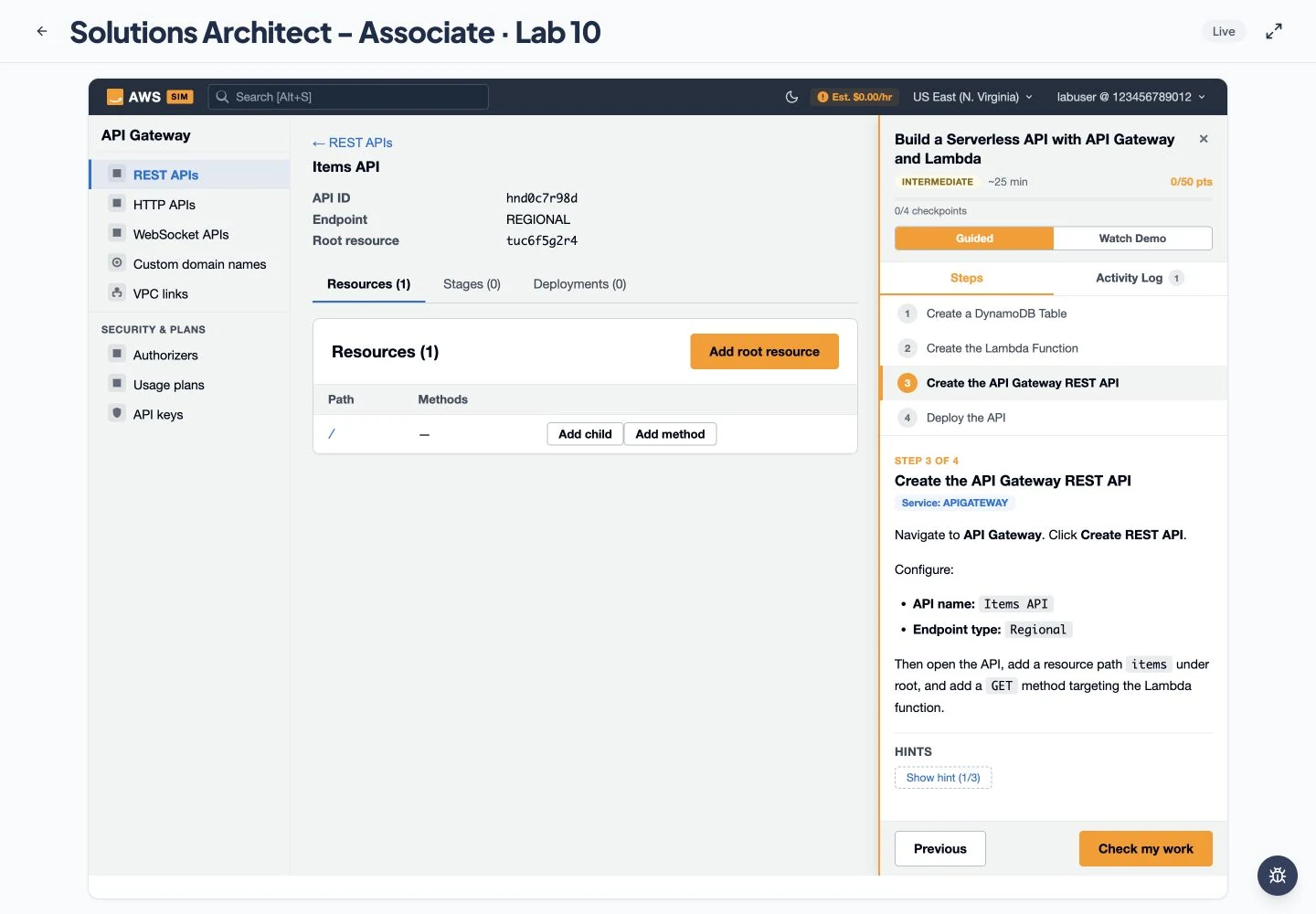
Run the exercise checks to see whether the expected configuration is in place. Use feedback and hints to revise your approach.
Available in courses with supported lab exercises, especially technical certification courses. Lab content and simulated operations vary.
Put these tools to work with AccelaStudy AI Bar.